One of my favorite songs from this famous music artist, whose band was once known as “Jimmy James and the Blue Flame”. — photojimsf (aka Jim James)
Author: Photojimsf
Long time San Francisco photographer and digital artist Jim James, aka Photojimsf:
- Beautiful male portraits
- 45 years of LBGTQ+ documentary and street photography
- Gay travel
- Flowers
- Sunsets
- Clouds
- Food
- Limited edition fine art prints
Rupauls Drag Race party, Sir Joq Vogue performance :: Video by Sflovesyou
I’m so glad I saw this video on Sir Joq’s facebook page, I just have to share it with you. Especially since I make a 2 second cameo appearance at about 17 seconds in, lol.
It was an instense night at the Midnight Sun, San Francisco’s hopes for drag queen fame and glory were ruthlessly dashed in a shocking double elimination. Yes, our very own Honey Mahogany, along with Vivienne Pinay, were sent packing in one of the meanest spirited episodes ever on Rupaul’s Drag Race.
With poise and grace, Honey joined with the hilarious Sister Roma to watch the painful drama unfold, dish the dirt, thank and console her fans, and then host a lively drag revue.
This performance by Jocquese Whitfield, aka Sir Joq, aka Vogue and Tone, went a long way in lifting the spirits of all who came to cheer on and support our sweet heart Honey Mahogany.
For more pictures of Honey, Sister Roma, Rahni Simpson, and Sir Joq, and all the ups and downs of the event, browse my album of over 50 pics on EdgeSanFrancisco.com.
Stick With Sticky Wednesdays And Never Go Broke!
I’ve had my eye on Chad Stewart for quite a while now. Here he is at “Sticky Wednesdays”, a weekly hump day drag, drink, and tease at The Cafe.
Just a few months in the running, this new club is an entertainment bargain! No cover, two for one drinks, drag performances, go go boys, dj Mark Andrus, and Daniel Carrasco’s photo booth. All night long!






I was especially enjoyed Bearonce Growles’ performance. She set the stage on fire with a sizzling rendition of the Pussycat Doll’s sultry cover of “Feeling Good”. She used 3 of the juicy hot gogo boys as props, and I thought it might turn into a porn movie.

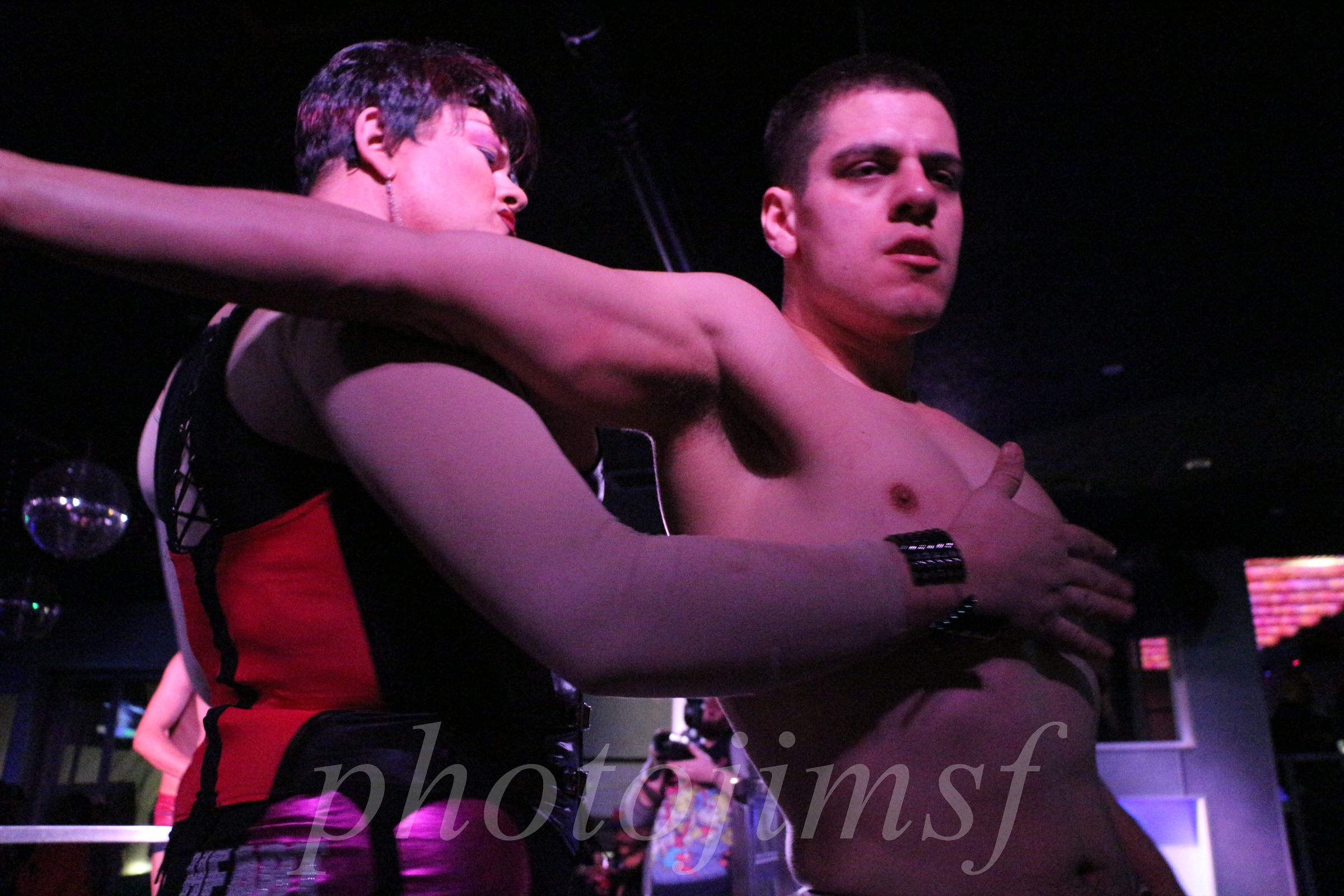
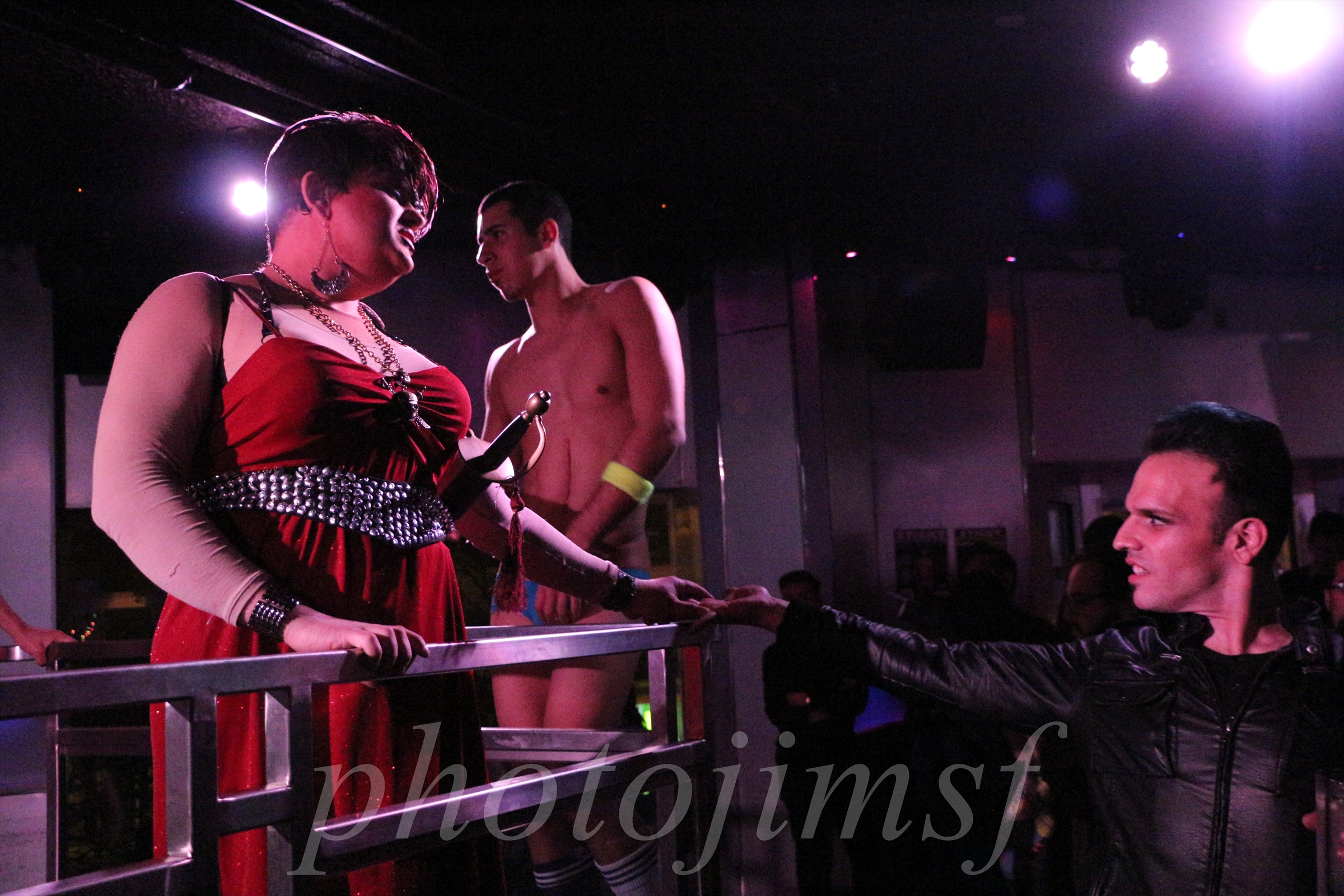




Stay tuned for more posts from the evening, but if you just can’t wait, pop on over to my gallery of over 500 red hot photos of Chad Stewart, Bearonce Growles, and all the fun at: Sticky Wednesday @ The Cafe 1-30-13.
Child Themes A Pain In The Ass
Learning WordPress self hosted has been the most difficult challenge I’ve taken on in years. Since I’m not a rocket scientist, it takes at least three or four times reading and re-reading the tutorials before I think I’ve gotten it. In each tutorial there’s three or four crucial things I’ve never heard of, so I must do two or three more tutorials for each of those. Are you getting an idea of what I’m up against?
Right now I’m struggling with “child themes”. Ever heard of php? And no you druggies, it’s not PNP, and not PCP.
PHP is one of the sub concepts I’ll need to do at least four more tutorials before I can get half a grasp. WTF? Glance the following excerpt from the WP codex, and tell me it does not take a Stanford grad to finger it out?
Using functions.php
Unlike style.css, the functions.php of a child theme does not override its counterpart from the parent. Instead, it is loaded in addition to the parent’s functions.php. (Specifically, it is loaded right before the parent’s file.)
In that way, the functions.php of a child theme provides a smart, trouble-free method of modifying the functionality of a parent theme. Say that you want to add a PHP function to your theme. The fastest way would be to open its functions.php file and put the function there. But that’s not smart: The next time your theme is updated, your function will disappear. But there is an alternative way which is the smart way: you can create a child theme, add a functions.php file in it, and add your function to that file. The function will do the exact same job from there too, with the advantage that it will not be affected by future updates of the parent theme. Do not copy the full content of functions.php of the parent theme into functions.php in the child theme.
The structure of functions.php is simple: An opening PHP tag at the top, a closing PHP tag at the bottom, and, between them, your bits of PHP. In it you can put as many or as few functions as you wish. The example below shows an elementary functions.php file that does one simple thing: Adds a favicon link to the head element of HTML pages.
function favicon_link() {
echo ‘<link rel=”shortcut icon” type=”image/x-icon” href=”/favicon.ico” />’ . “n”;
}
add_action( ‘wp_head’, ‘favicon_link’ );
TIP FOR THEME DEVELOPERS. The fact that a child theme’s functions.php is loaded first means that you can make the user functions of your theme pluggable —that is, replaceable by a child theme— by declaring them conditionally. E.g.:
if ( ! function_exists( ‘theme_special_nav’ ) ) {
function theme_special_nav() {
// Do something.
}
}
In that way, a child theme can replace a PHP function of the parent by simply declaring it beforehand.
New In Town Ethan Elliot Gogo

New in town Ethan Elliot Gogo, serving it up at “Fridays Are For Men” at the Midnight Sun. Help yourself to 184 eyefuls of Ethan and the rest of my adventure by clicking on the picture.

